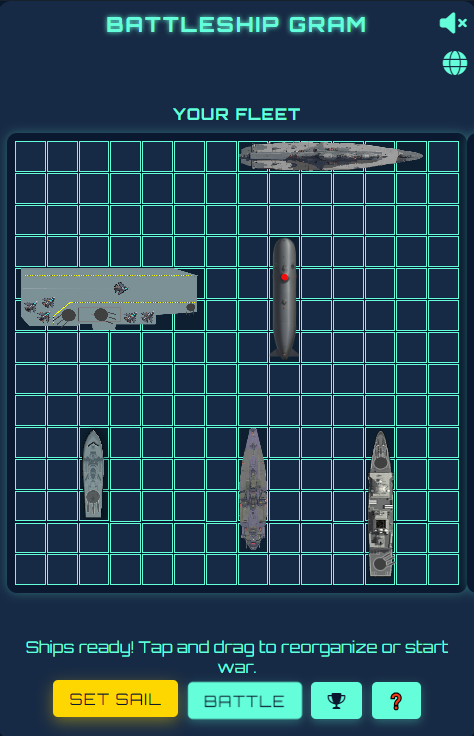
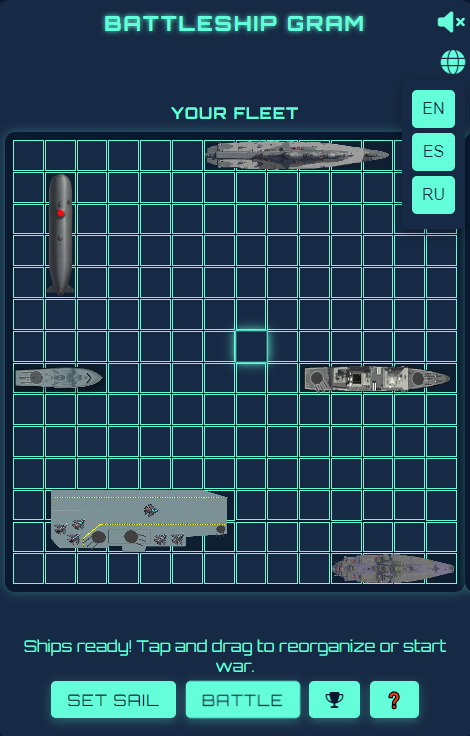
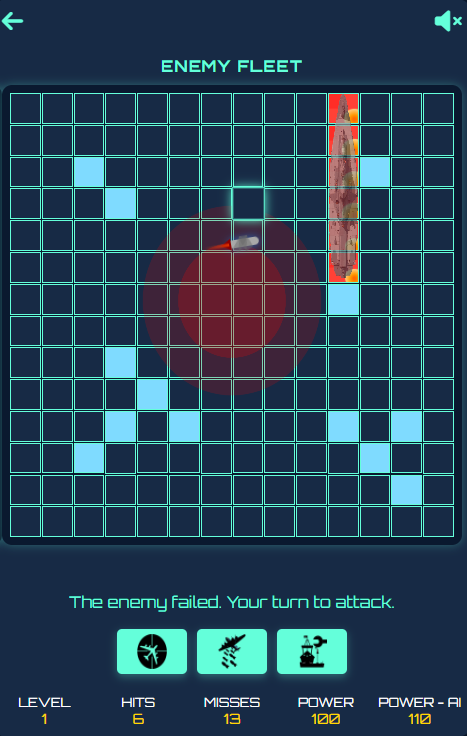
This game is a modern version of the classic board game Battleship, adapted to be played in a web environment and with Telegram integration. The goal of the game is to sink all of the opponent's ships before he sinks yours. The game takes place on a 14x14 cell battlefield, where each player has a fleet of ships of different sizes and point values.Key Features:User Interface:Language Selection: The game supports multiple languages, including English, Spanish, and Russian. The language can be changed at any time during the game.Battlefields: Two battlefields, one for the player and one for the opponent, where ships are placed and attacked.Action Buttons: Buttons to start the game, automatically place ships, and perform special actions such as air strikes and air defense.Ship System:Ship Types: The game includes several types of ships, such as patrol boats, submarines, destroyers, battleships, and aircraft carriers, each with a specific size and point value.Ship Placement: Ships can be placed manually by the player or automatically. They can also be rotated and moved before starting the game.Attack System:Turn-Based: The game follows a turn-based system, where the player and opponent take turns attacking.Basic Attacks: The player selects a cell on the opponent's battlefield to attack. If there is a ship, it is marked as "hit"; if not, it is marked as "missed."Special Attacks:Air Attack: A special attack that allows the player to fire multiple missiles in a single round, costing in points.Air Defense: A defense system that allows the player to intercept enemy air attacks, also costing in points.Artificial Intelligence (AI):Attack Strategy: The AI uses a probability map to determine the most likely cells where the player's ships are located.Air Attacks: The AI can also perform air attacks if it meets certain conditions, such as a minimum number of previous attacks and enough points.Points and Level System:Points: Players earn points by sinking enemy ships. These points are also used to perform special actions such as air attacks and air defense.Levels: The game includes a level system, where the player advances through the levels by sinking all of the opponent's ships. Each level unlocks new abilities and increases the difficulty.
 469
)
469
)
3.00
2 reviews
Reviews can be left only by registered users. All reviews are moderated by admins.
5 stars
0
4 stars
0
3 stars
2
2 stars
0
1 stars
0
Common questions about Telegram bots