Cat Hunter — @cathunterx_bot Telegram Bot

Cat Hunter — Telegram Bot @cathunterx_bot
Scan to open on phone
Cat Hunter — Telegram Bot @cathunterx_bot
Bot address: @cathunterx_bot
Description from Bot

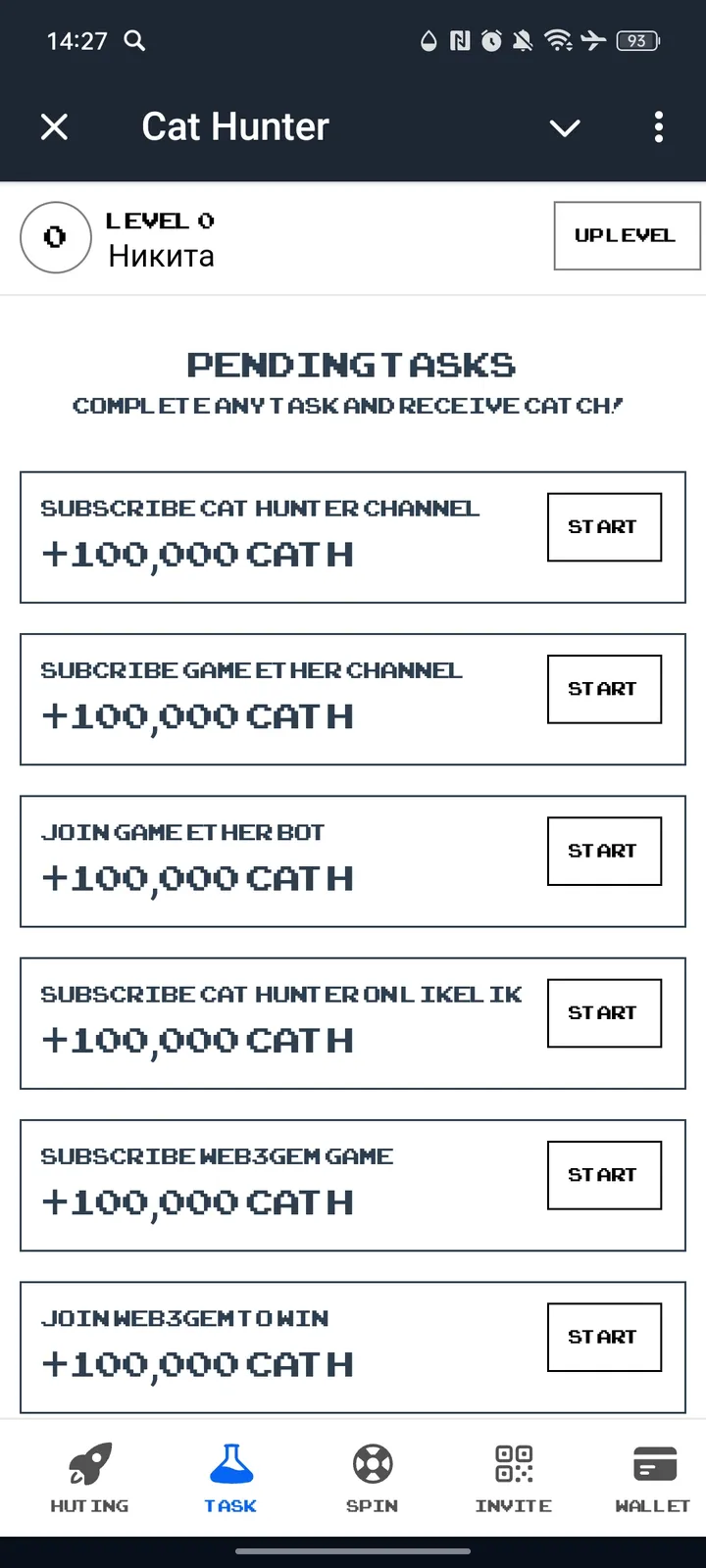
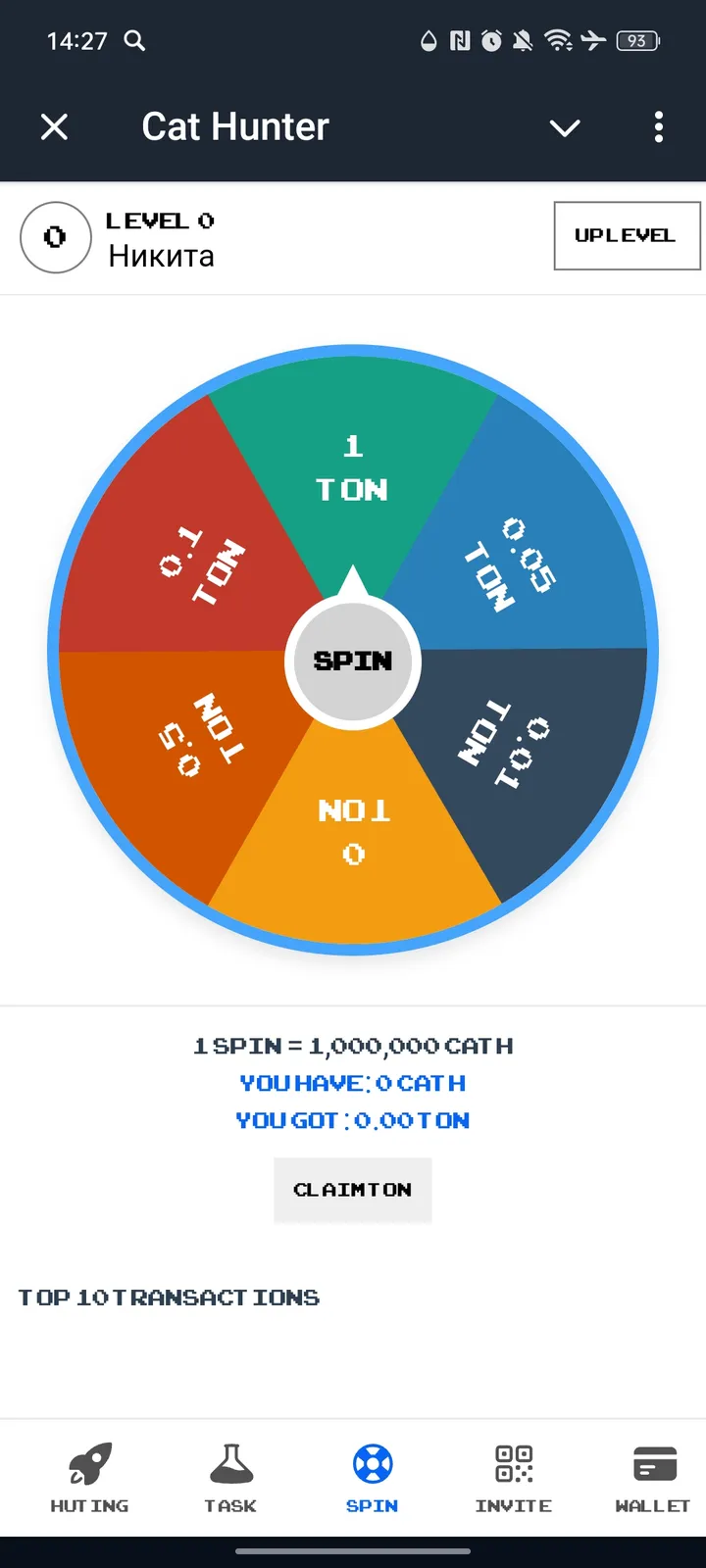
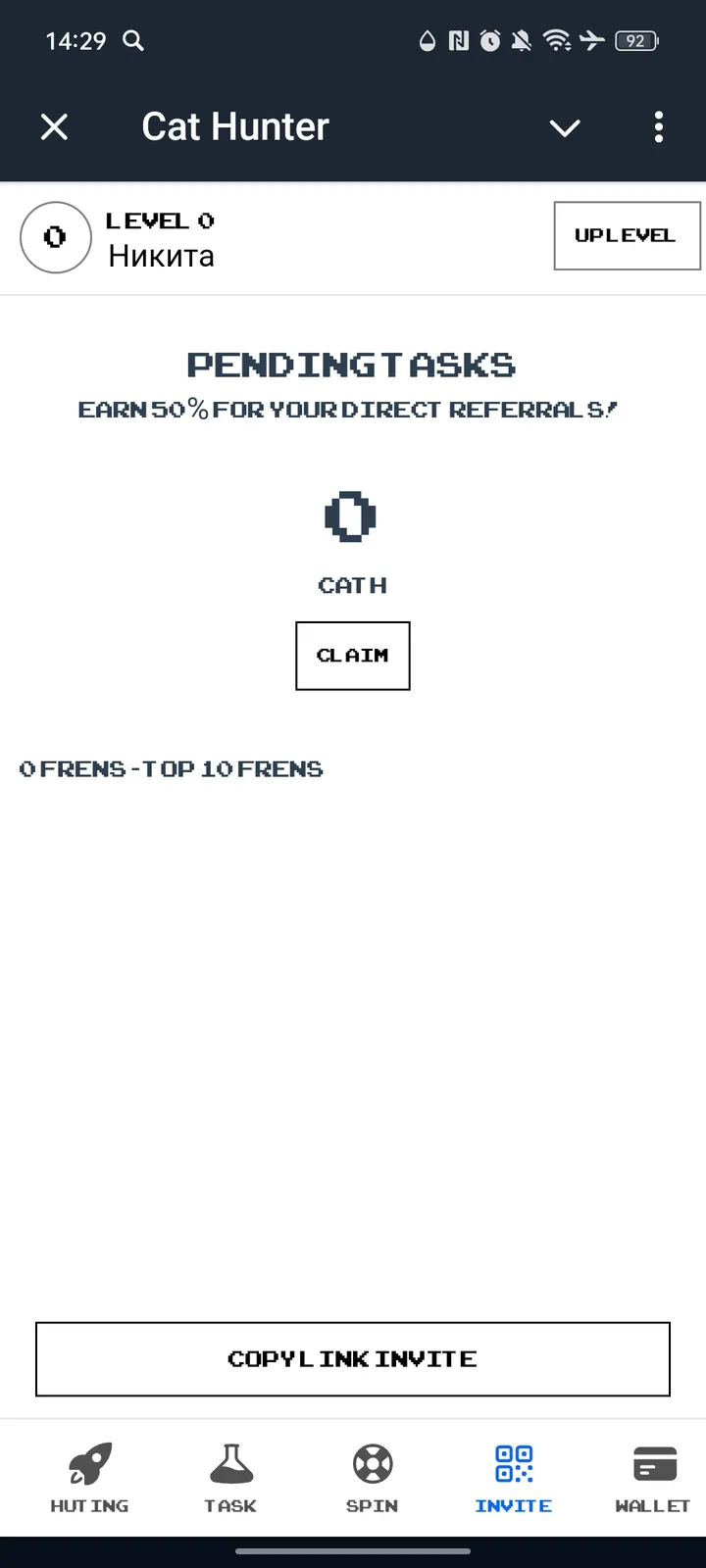
🔋Don't waste your energy - Earn CATCH with energy every day with the Cat Hunter app! ⏳Open the app and generate stored energy every 4 hours, charge and use to earn points. Get started today to be ready for future.

Share this bot:
Transitions to the bot: ( 1042 )

Ratings & Reviews

3.33

3 reviews

Reviews can be left only by registered users. All reviews are moderated by admins.

5 stars

1

4 stars

1

3 stars

0

2 stars

0

1 stars

1
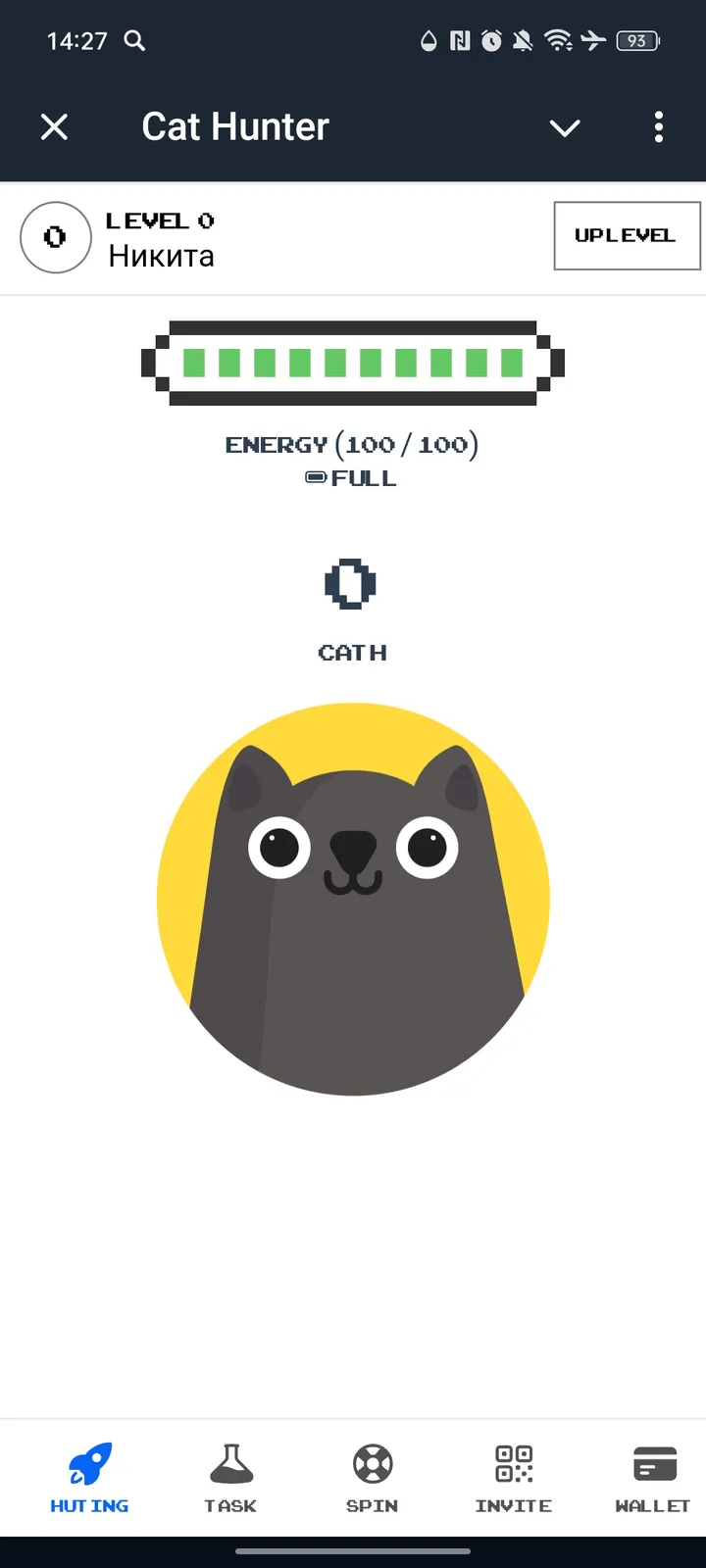

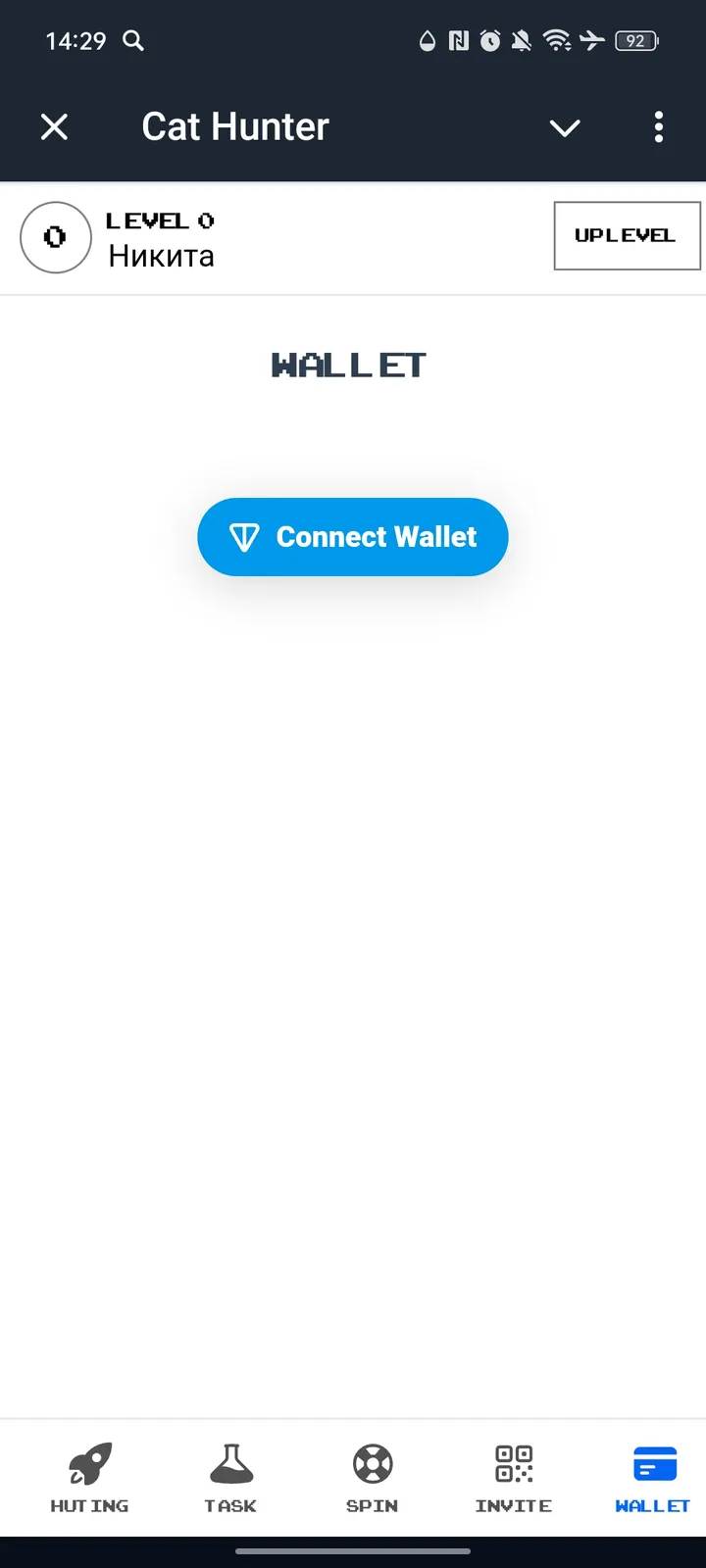
Cat Hunter — Screenshot 1 Cat Hunter — Screenshot 2 Cat Hunter — Screenshot 3 Cat Hunter — Screenshot 4 Cat Hunter — Screenshot 5

How to Start

1

Open Bot in Telegram

Click the "Open Bot" button above to open this bot in the Telegram app
2

Start the Conversation

Press the /start command or tap the Start button to begin interacting
3

Explore Features

Use the menu button or type /help to discover all available commands

Frequently Asked Questions

Common questions about Telegram bots

Crypto bots can execute trades on exchanges, track portfolio performance, send price alerts, analyze market trends, and interact with DeFi protocols. Features vary by bot, so check the description for specific capabilities.
Some crypto bots require wallet connection for trading or token operations. For safety, always use a dedicated wallet with limited funds rather than your main wallet. Never share your seed phrase with any bot.
Some bots offer trading signals or market analysis. Remember that no signal is a guaranteed profit, and past performance does not predict future results. Always do your own research before making investment decisions.
A Telegram bot is an automated program that runs inside the Telegram messenger. Bots respond to commands, process messages, and provide services like automation, information lookup, file processing, and entertainment. Tap Start to begin interacting.
Click the "Open Bot" button on this page, then tap /start in the chat. The bot will show available commands and instructions. Most bots also provide a /help command and a menu button with all available features.
Check the bot's rating and subscriber count on this page. Avoid sharing passwords, payment details, or private keys with any bot. Verified bots from established developers with many users are generally safe for their intended purpose.
Most Telegram bots are free with basic features available to everyone. Some bots offer premium plans with extended capabilities, higher usage limits, or priority processing. Pricing details are usually shown when you start the bot.